Build the habit
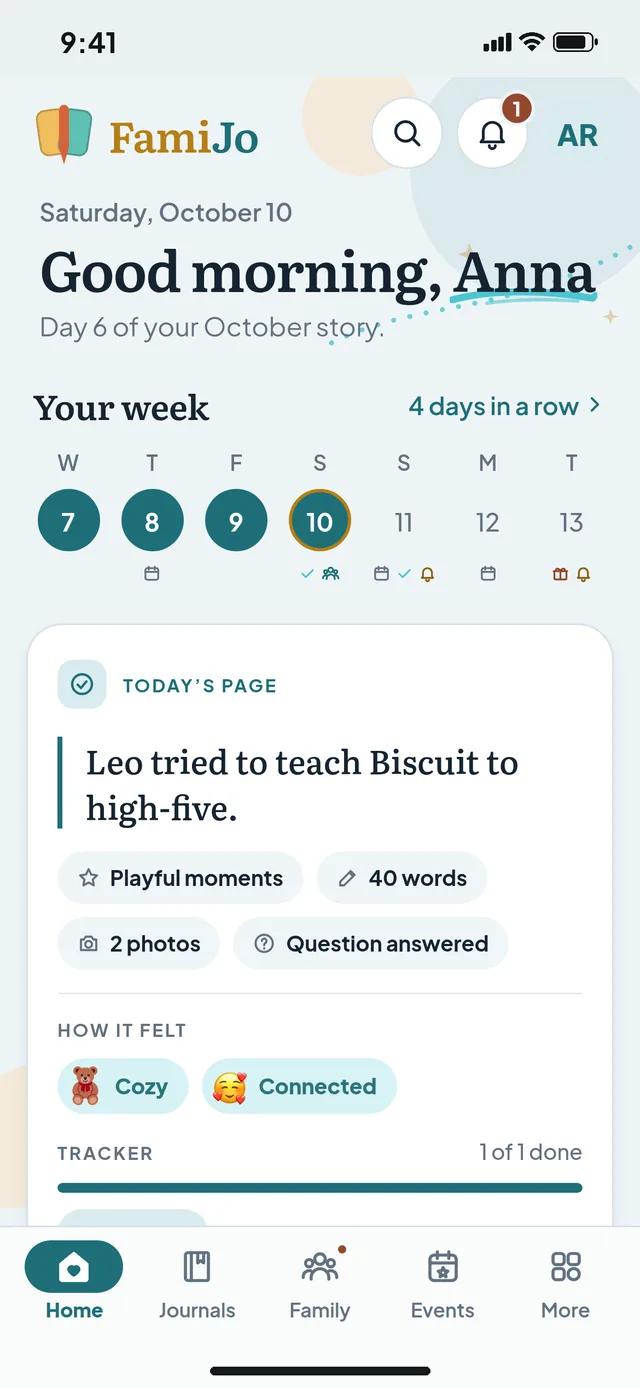
A fresh question every morning and a page that is always ready. Write one line or a whole page: both count, and the week strip keeps you coming back.
- A new question every day
- Type or speak, and add photos
- Today opens ready to write
Personal & family journaling
A minute a day is all it takes. Answer a thoughtful question, jot down what happened, add a photo, and watch ordinary days add up to a story you will love looking back on: yours, your kids', even the dog's.
Your first 5 days of Pro are free, with no payment or automatic renewal. Then choose $3/month or $24/year in the app.
Why journal
Journaling is how the busy days get remembered. FamiJo makes it easy to start, easy to keep going, and lovely to look back on.
A fresh question every morning and a page that is always ready. Write one line or a whole page: both count, and the week strip keeps you coming back.
Pin how each day felt, tick off the habits you care about, and watch Insights turn your days into a rhythm you can see, month after month.
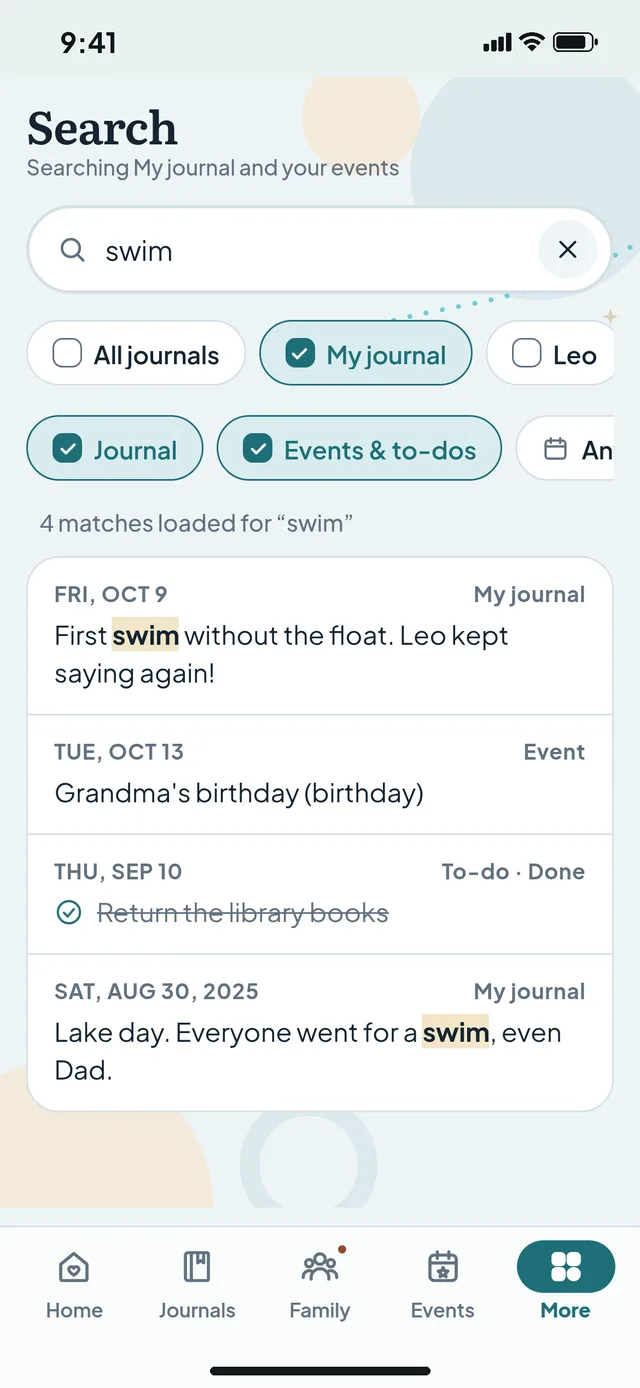
Look back on any day in seconds. Search a word, a #tag or a date, and see how you answered the same question in earlier years.
Birthdays, to-dos and family posts sit on their days. Miss a day? No streak shame. Just pick up where you left off.
What you can do
Quick to write, lovely to look back on, and private until you decide otherwise.
Daily journal
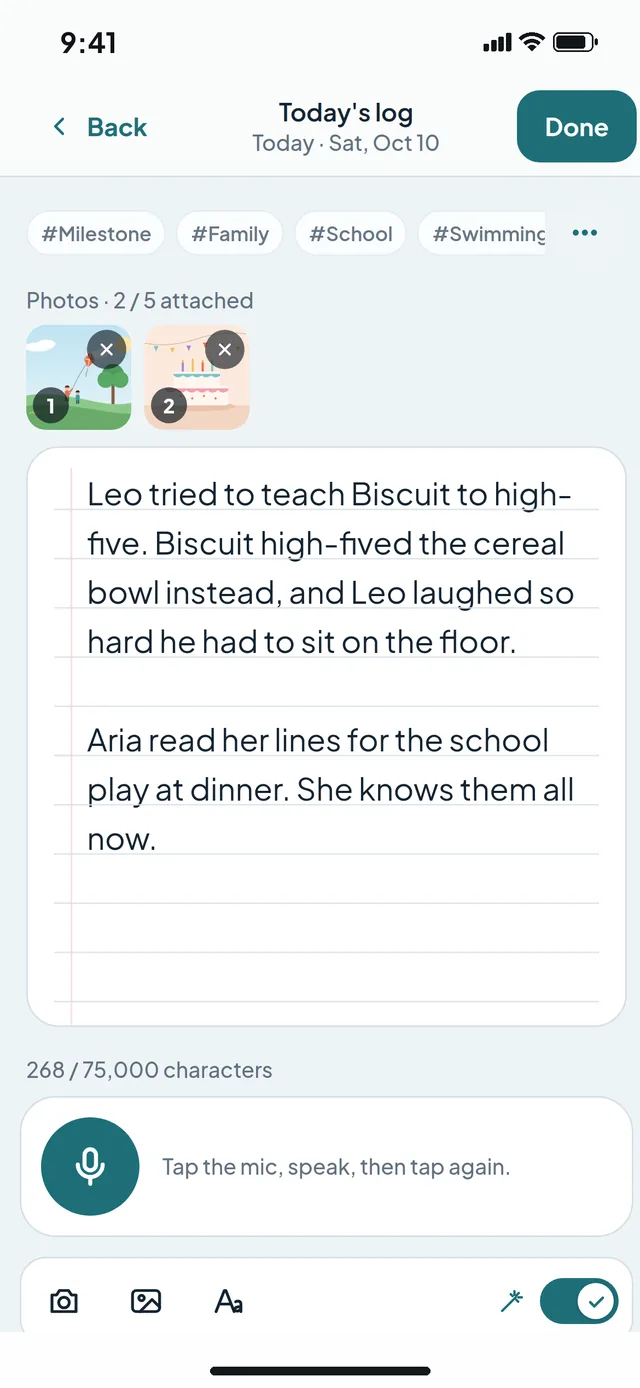
Answer the day's question or write about anything. The page is lined like paper, your photos sit beside your words, and #tags help you find things later. Rather talk? Tap the microphone and FamiJo types for you.
Track your journey
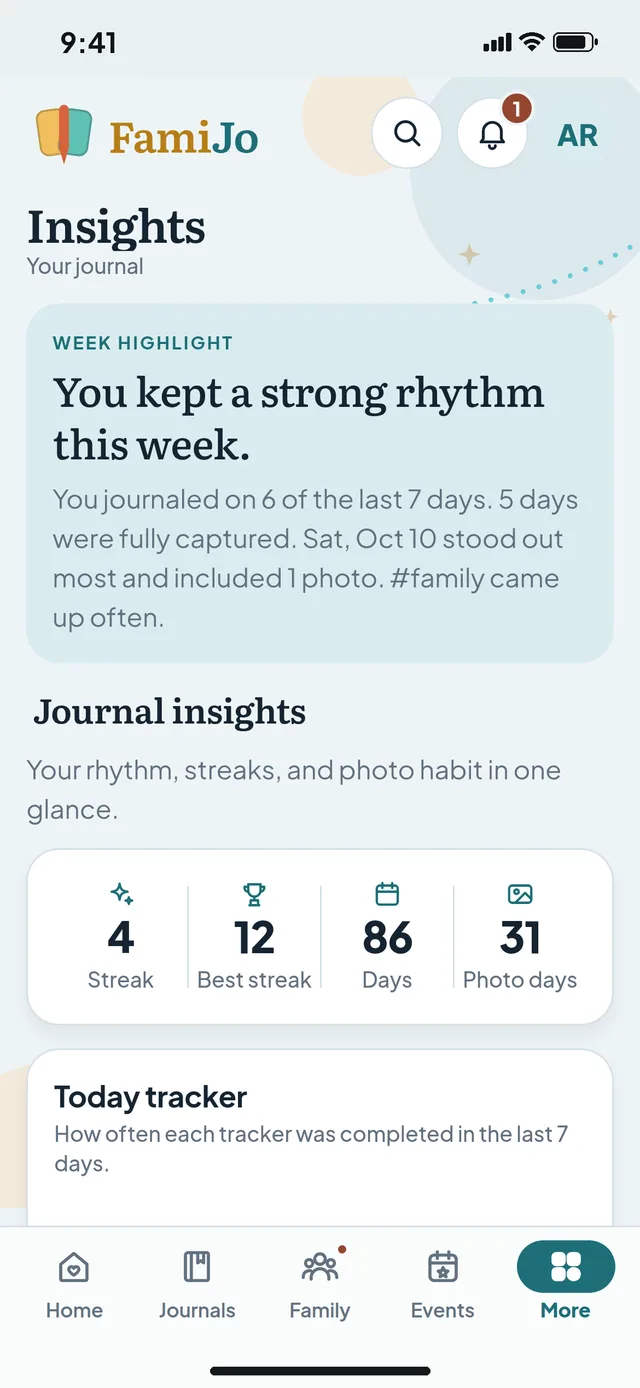
Every saved day adds to the picture: how many days you wrote each month, your streaks, your photo days and how often you tick off your Today tracker. Your Journimal, a playful companion, grows as your habit does.
Reflection
Type a word or a #tag to find the days that mention it, or a date like 9/20 to see that day's words, events and to-dos. Older days open to read, so looking back feels like turning the pages of a book.
Never a blank page
Every day brings a new question. Answer in a sentence, or let it lead you somewhere longer.
For kids
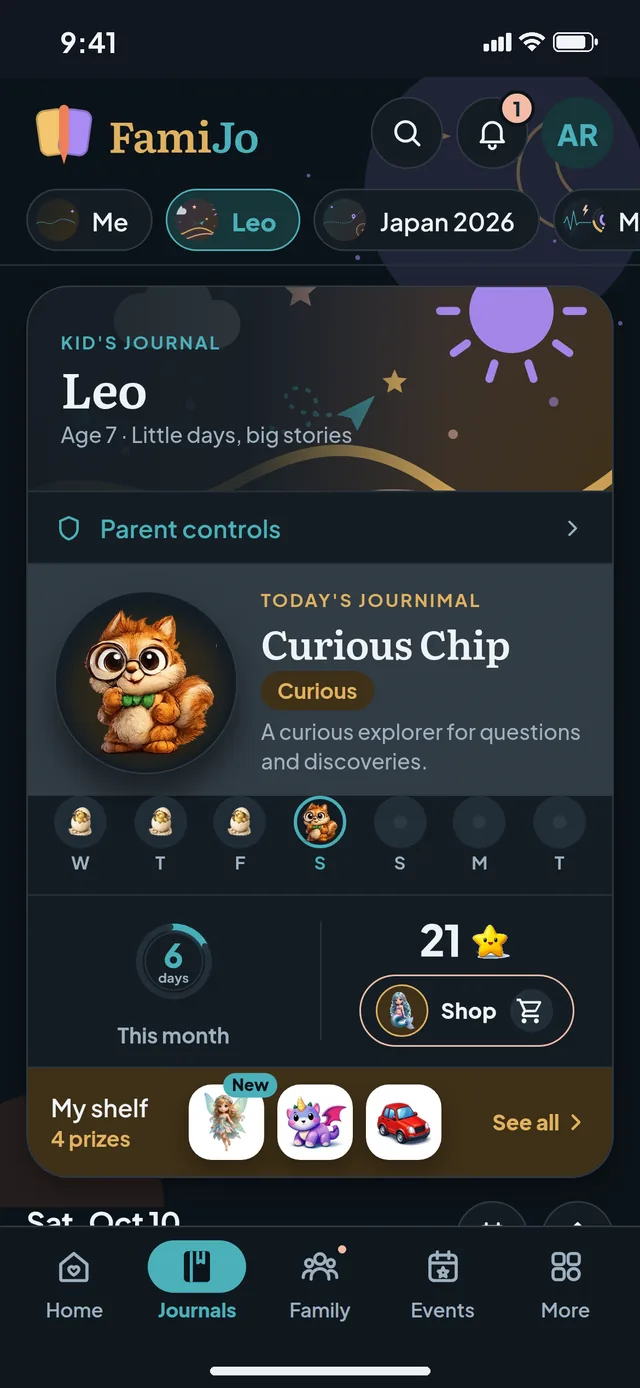
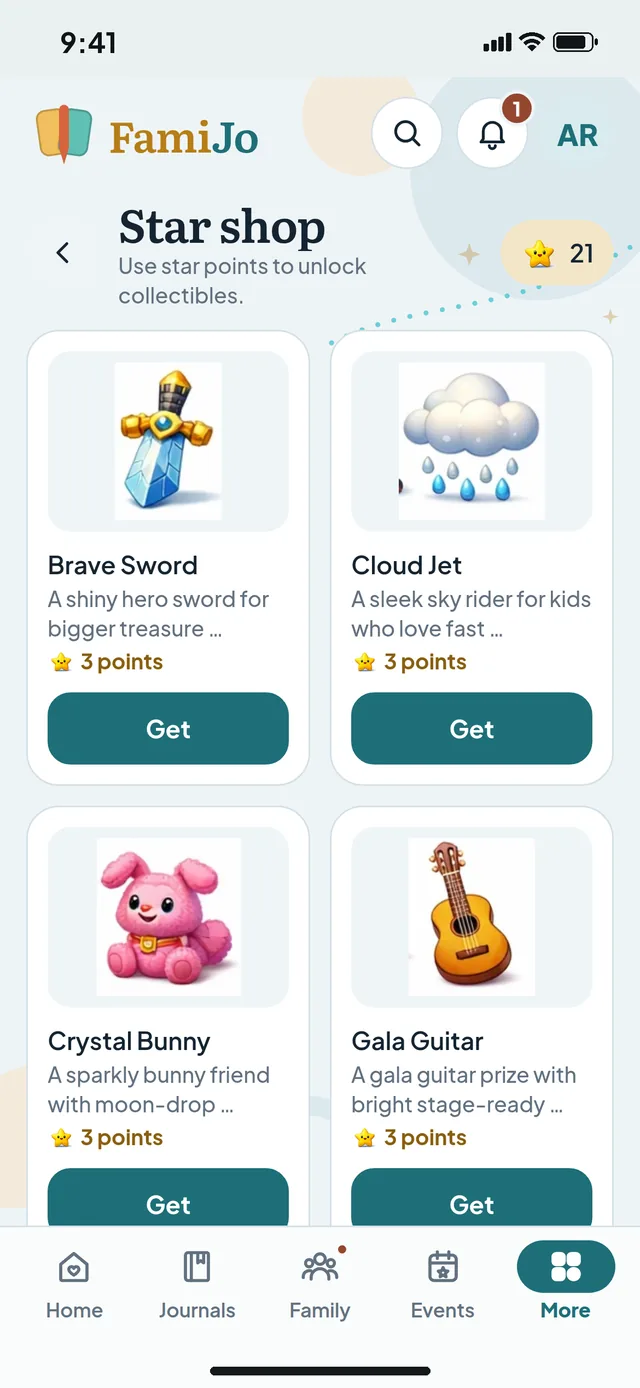
Kid-friendly questions, day pins to show how the day felt, stars for Daily wins and a new Journimal buddy every day. Stars unlock collectibles for their prize shelf, and parents stay in charge of privacy.
Side journals
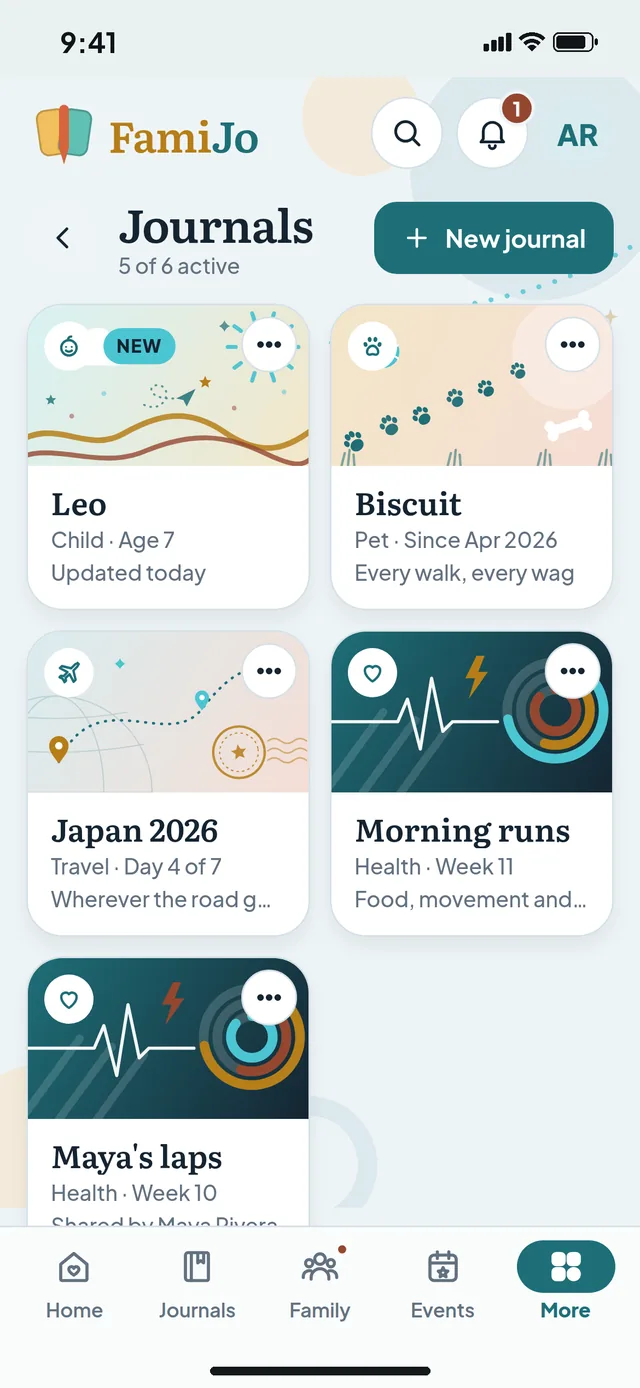
Keep a journal for each child, the dog, this summer's trip or your half marathon. Each has its own name and theme, and co-authors you invite can write in it with you.
Family
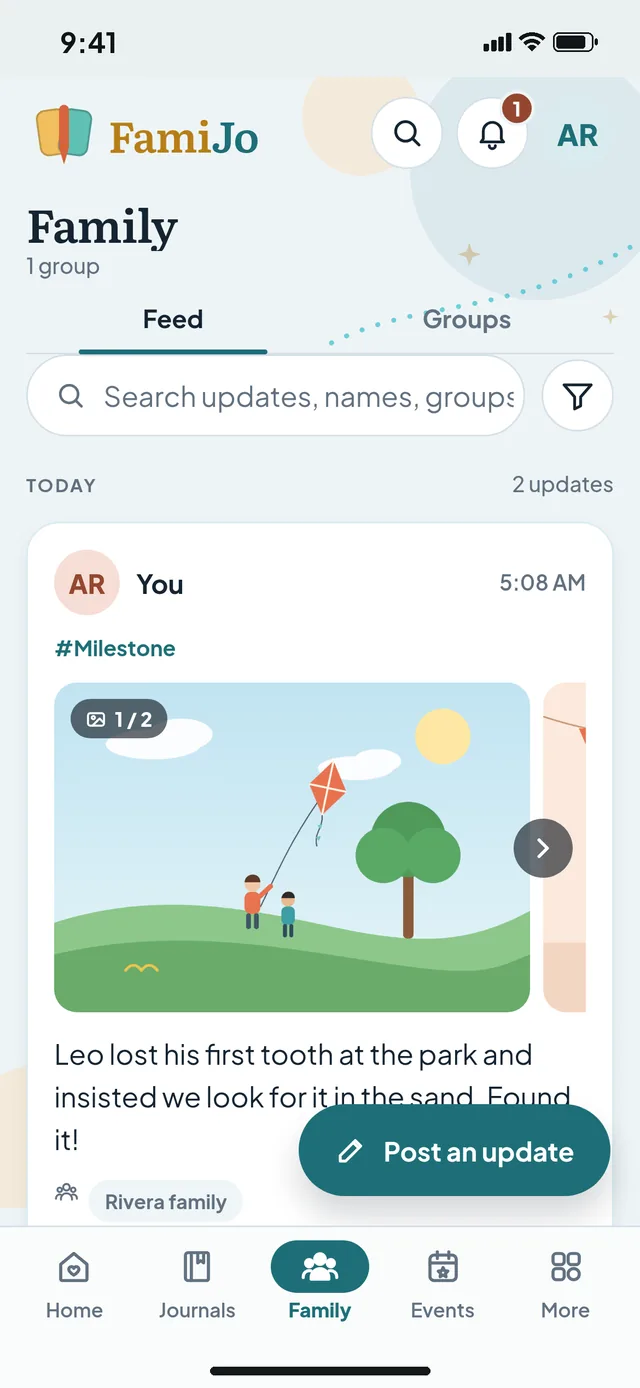
Everything is private until you share it. Post a day to the family groups you pick, react with stickers, keep birthdays and to-dos in one place, or send a day to WhatsApp.
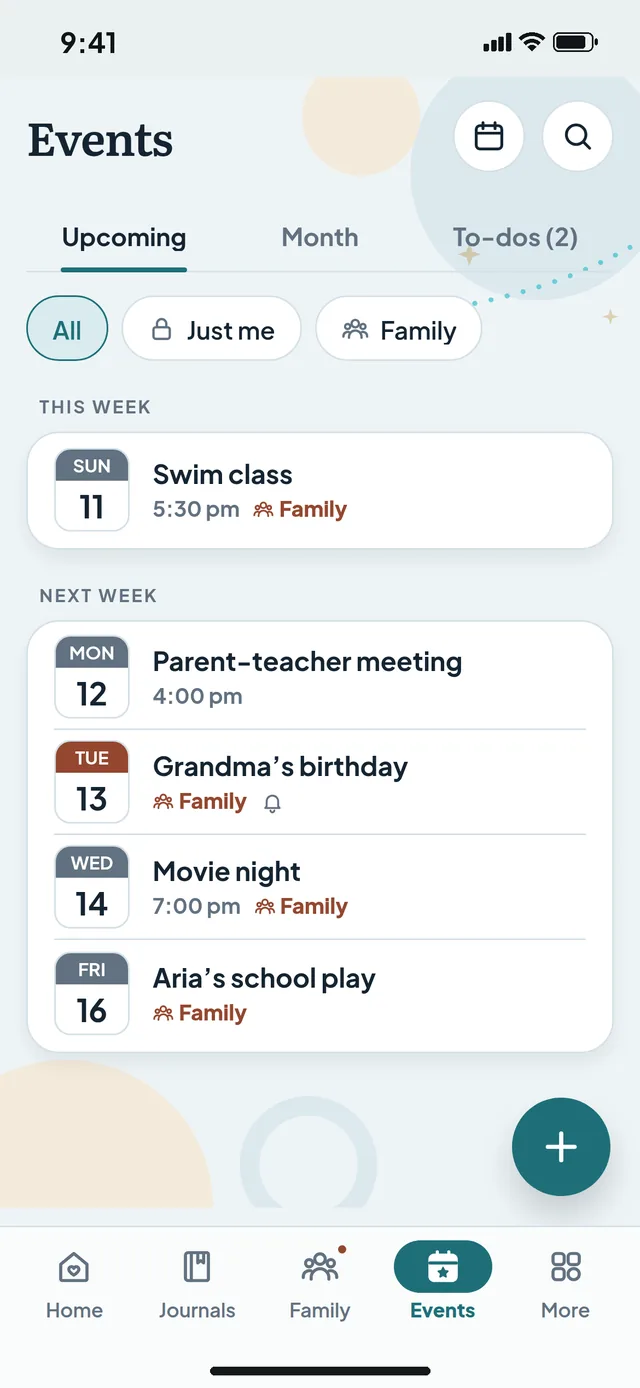
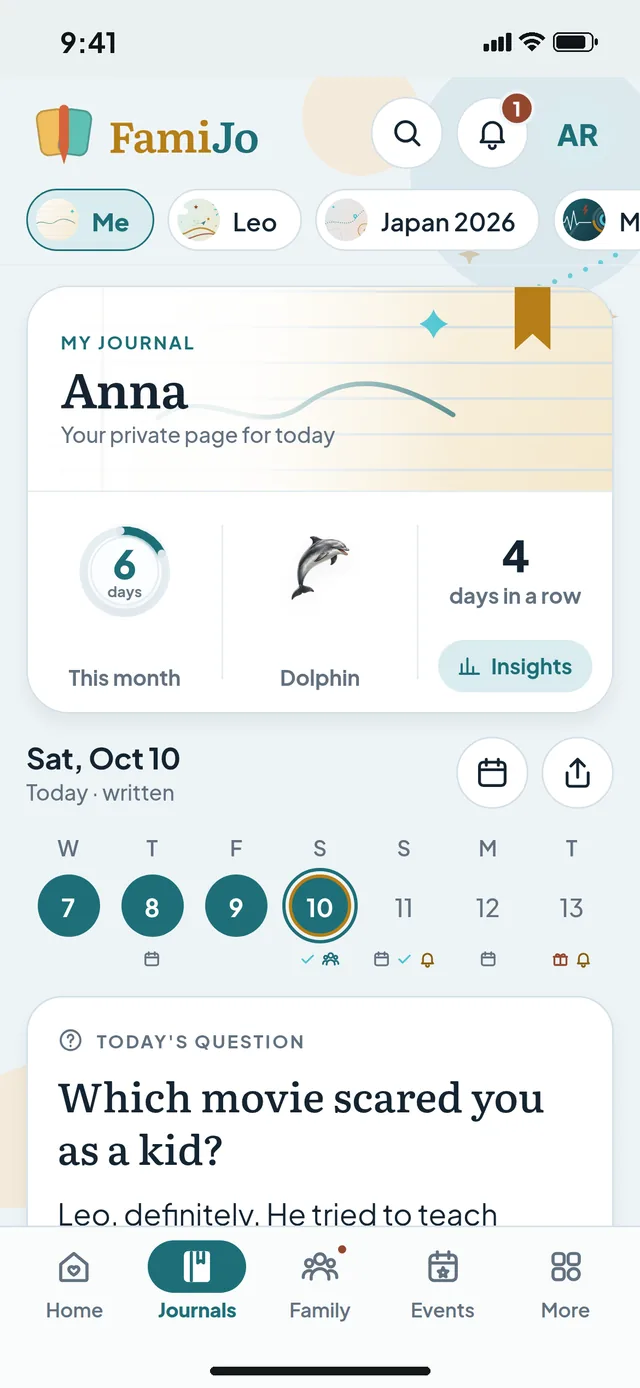
Everywhere you are
iPhone, iPad, Android phones and tablets, and any web browser. Start on one and pick up on another: your journals, PIN and membership come with you.
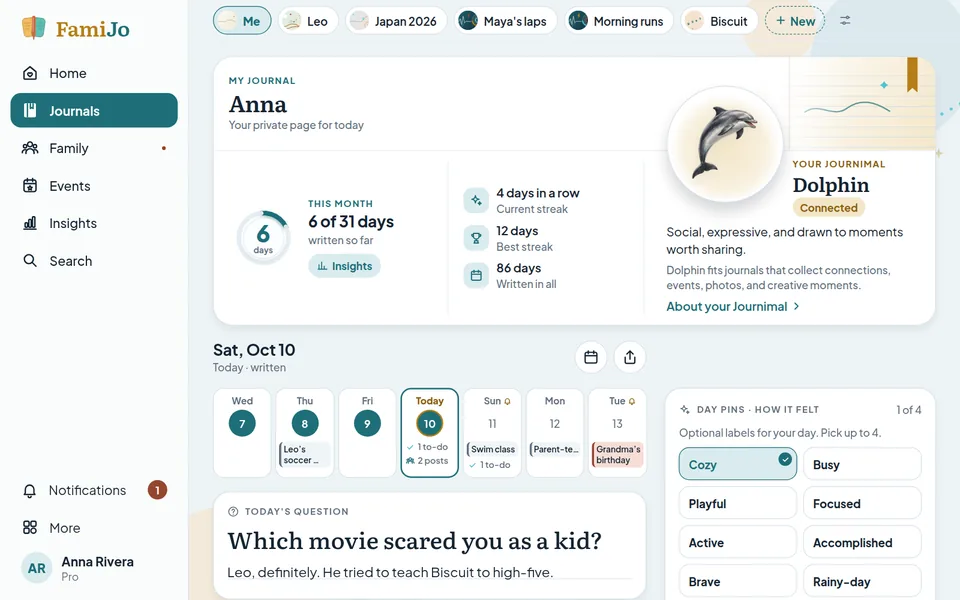
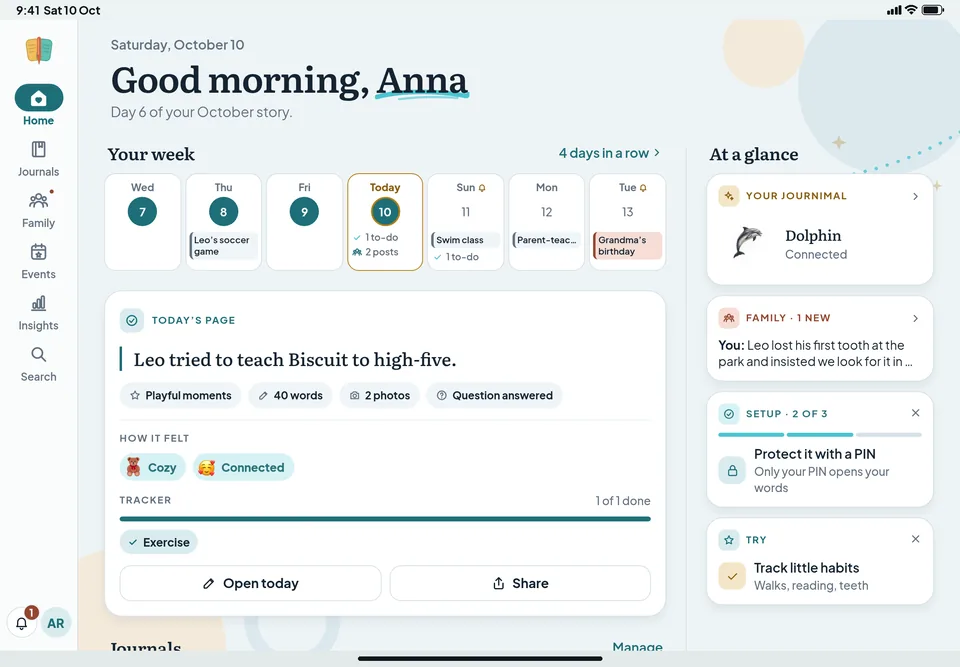
Made for tablets
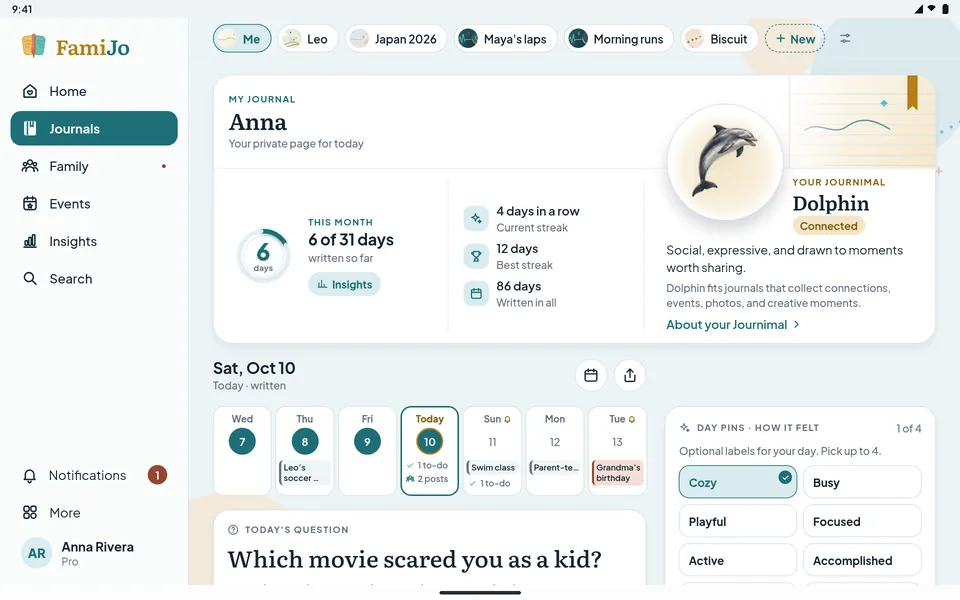
Turn a tablet sideways and FamiJo opens up. The menu stays at the side, and today's page, its day pins and your Today tracker share the screen, so everything is one tap away.
Private by design
You choose what to write and share. We do not sell personal data or use journal content for advertising.
Your words are encrypted, and nothing is shared until you choose to share it.
Add a PIN so your journal stays yours, even on a shared computer.
Share a day with the groups you pick. Everything else stays in your journal.
FamiJo shows no ads and never sells personal data. Journimals count your words but never read them.
One simple plan
Try everything in FamiJo Pro for 5 days with no payment details and no automatic renewal. Then choose $3 a month or $24 a year in the app. Your children's journals are included, and your journals always stay readable.
$3/month or $24/year
Subscriptions are bought in the App Store or Google Play. The website never takes payment.
About a minute. Answer the day's question in a sentence, add a photo, or tick off your habits. Longer pages are always welcome, never required.
Yes. Your journal is private until you share a day, and you can lock it with your own PIN. Family groups see only the days you share.
No. Children's journals live in a parent's account and are included in the same plan.
Yes. Use the iPhone, iPad and Android apps, or any web browser at famijo.com, with the same account.
Get the app for iPhone, iPad or Android, or start right here in your browser.
